AI Interior Design Studio
Your room, redesigned. Real products, ready to shop.
Upload a photo of your space and talk it through. Vizion Studio redesigns it with shoppable products from West Elm, CB2, Restoration Hardware and more — and changes one piece at a time until it's right.
Vizion Studio · New
Design your space by talking to Vizion.
Talk directly to the AI over a photo of your own space. Tell it what you want changed — swap the sofa, take down the mirror, warm up the wall colour, add a rug, put your own armchair in that corner, or restyle the whole room in one go. Vizion understands what you mean and shows you the result in your own space, using real products you can buy — with their price and their store. One change at a time, at your pace: explore, try things out and adjust as much as you like until you find the space you are actually picturing.
Talking is free
It reads the room first
Before anything else it tells you what it actually sees and what the space has going for it — including when it thinks the room does not need a redesign at all.
You talk, it proposes
Swap a piece, take one out, change the floor or the wall colour, bring in something of your own. Anything it picks from the catalogue comes with its price, its store and a link.
Nothing happens until you say yes
Every change waits for your approval, and the last one can always be undone. Only what you approve uses credits — the same ones as everything else.
At Vizion Studio, you decide. The AI does the rest.
Open the canvasIn beta · included with your account
A real Vizion result
From their photo to a shoppable room
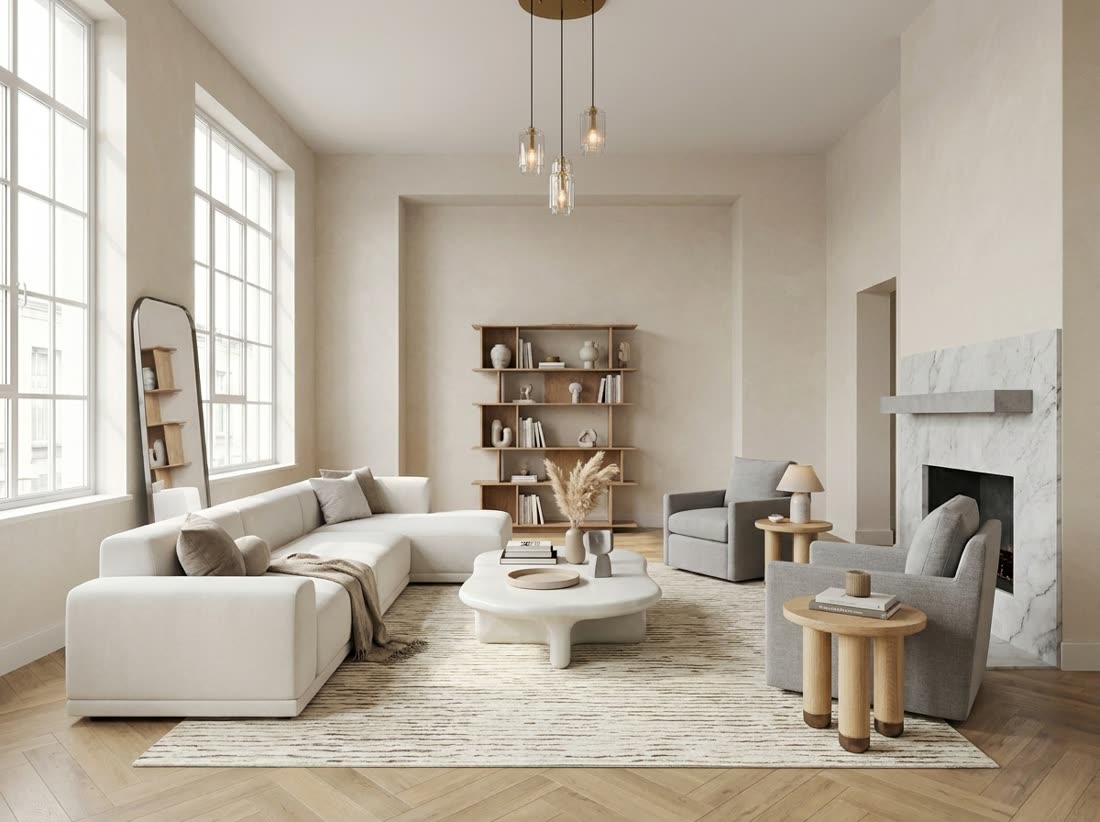
Contemporary living room. Hover any dot on the result to see the exact product, price and store — every item is real and in stock.
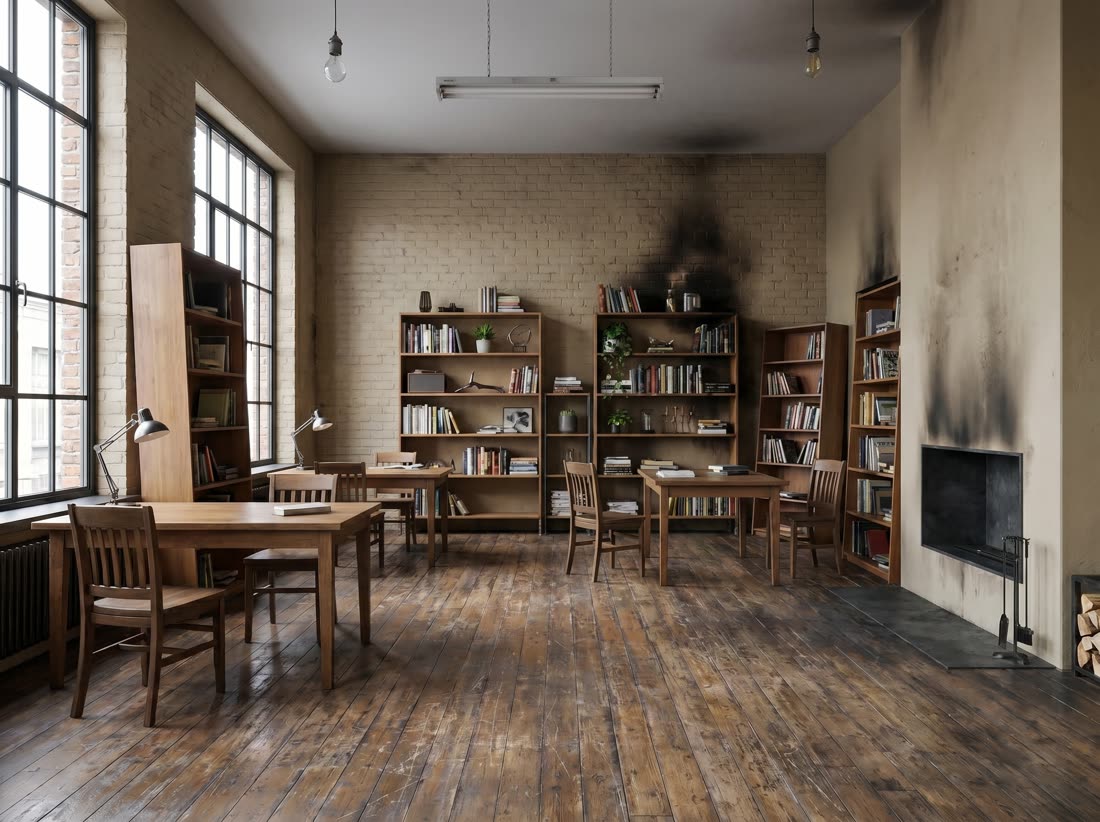
Want this on your space?
Open the canvas — freeThat was Vizion Studio.
There are more tools.
Vizion Studio is the main one — a photo in, a furnished room out, changed by talking. The rest are smaller and do one job each, and they all run on the same credits.
For your own home
- Stage — place the furniture you want in your room
- Vizion Studio — a conversation that changes the room one approved step at a time
- Vizion Edit — remove, replace, restyle or add anything in your photo
For architects & 3D artists
- Render Upgrade — any render, photorealistic
- Upscale — raise the resolution up to 8K
- Floorplan — a furnished floor plan, rendered
- Architect 3D — 3D doors, windows and fireplaces, ready to render
Virtual Staging · Vizion Stage
Place the furniture you want in your own room.
Found a sofa you love but not sure it fits your room? Want to see how a new rug looks before buying it? Vizion Stage places any piece of furniture in your actual room — photorealistically — before you spend a dollar. Works whether your room is empty or already furnished.
Your room is empty
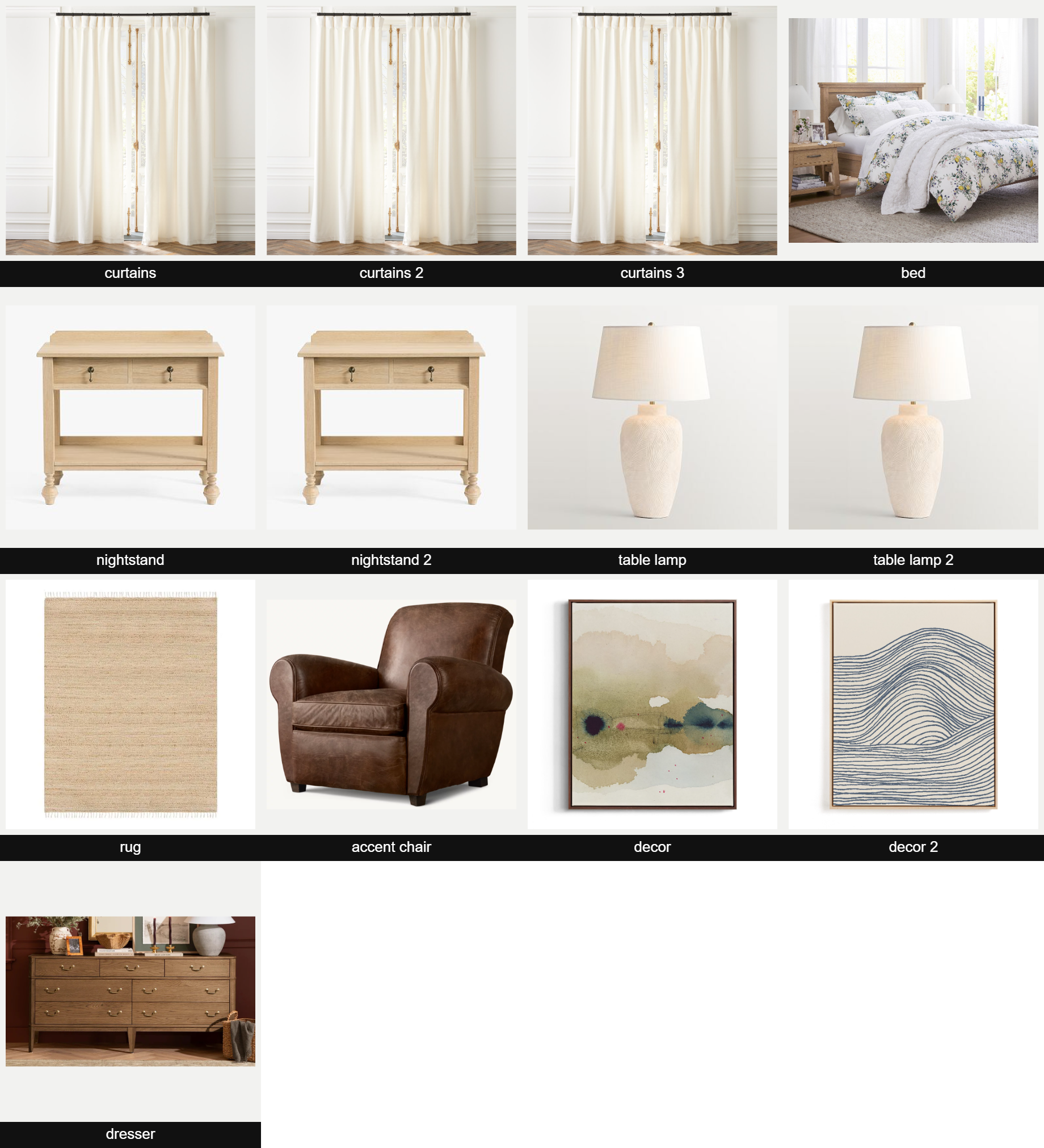
A bare room — just walls and floor. You drop a point wherever a piece should go and attach the product photo. Vizion places every piece at once, in your real space, with correct scale, perspective and light. Hover any point below to see what was placed.
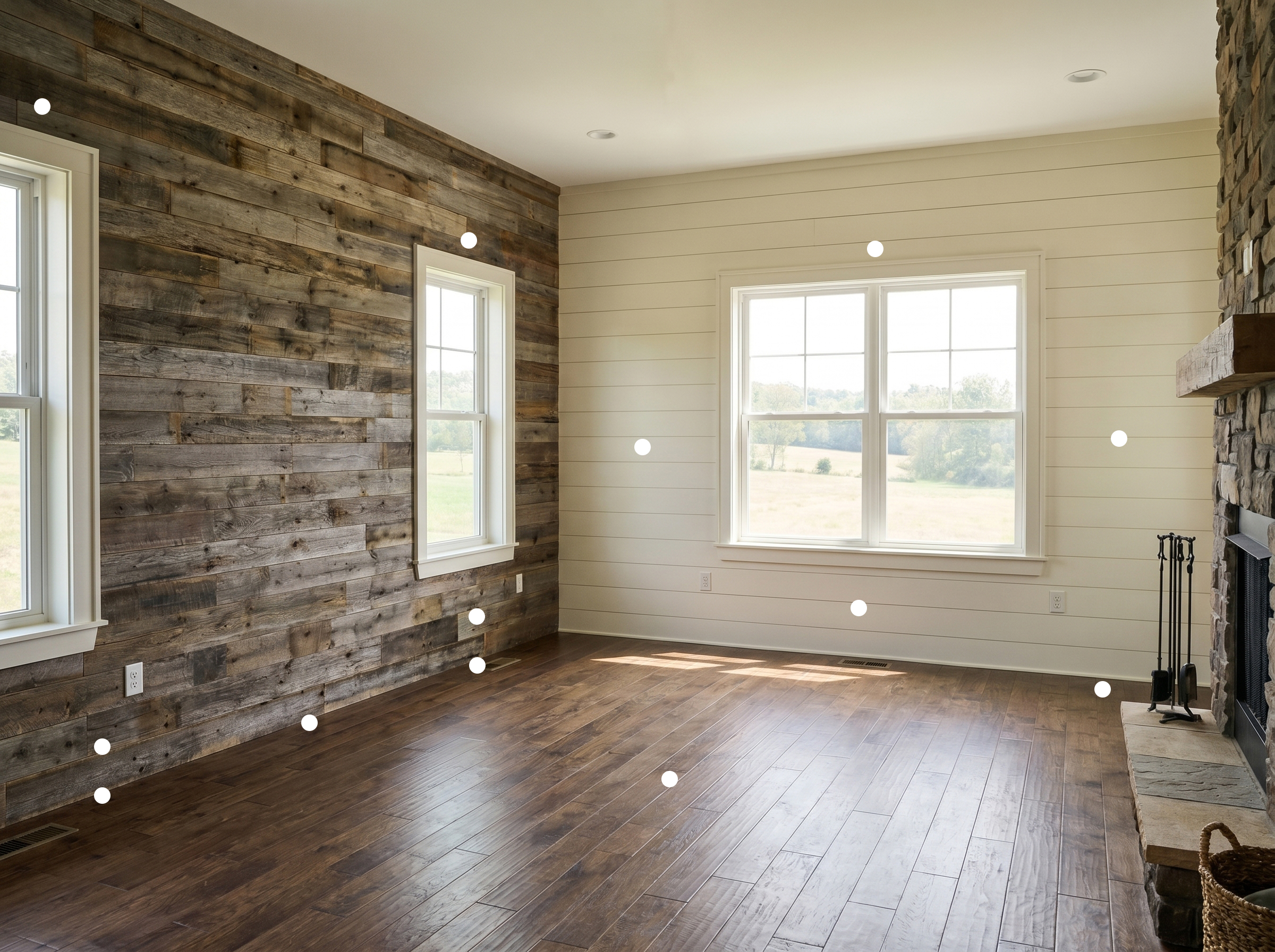
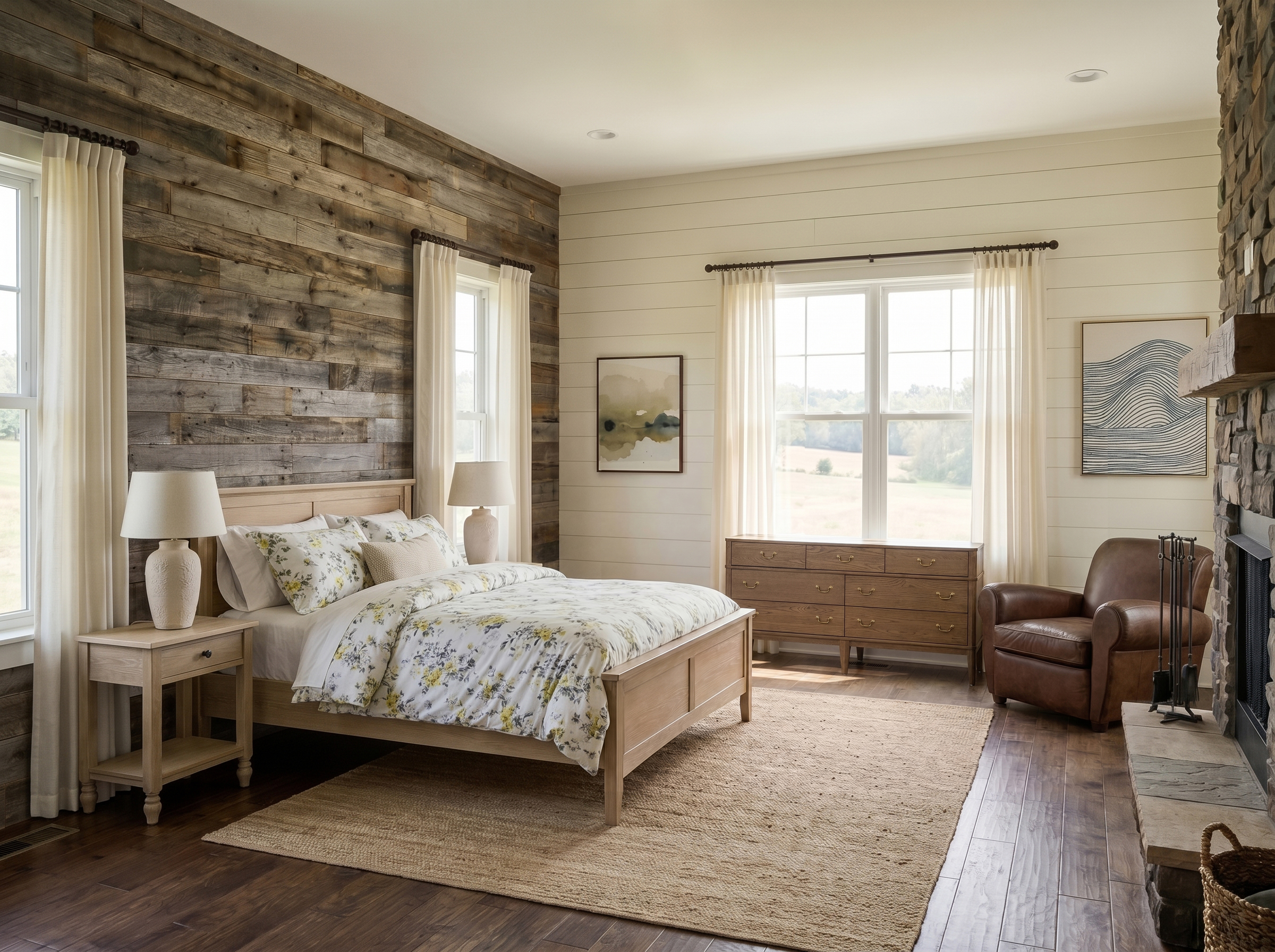
Every piece you pinned
How it works
- Take a photo of your empty room. Any phone camera, one angle — the AI reads the depth and dimensions automatically.
- Drop a point where each piece will go. Tap the floor or wall to mark the exact spot for a bed, dresser, lamp, rug — as many as you need.
- Attach a product photo to each point. From a store site, Amazon, Pinterest or a screenshot — whatever piece you're considering.
- Receive one photorealistic render. Every piece lands in its exact place with true scale, perspective, lighting and shadows — exactly the bedroom on the right.
You bring the pieces — we handle scale, perspective, lighting and shadows. No design skills, no measurements, no Photoshop required.
Render Realism · Render Upgrade
Turn any render into a photorealistic image.
Any interior render that needs more realism — a clay pass, a quick draft, or a finished render that still looks flat. Upload it from 3ds Max, SketchUp, Blender, Revit or Lumion and our AI re-lights and re-textures it. Same camera angle. Same layout. Just real.
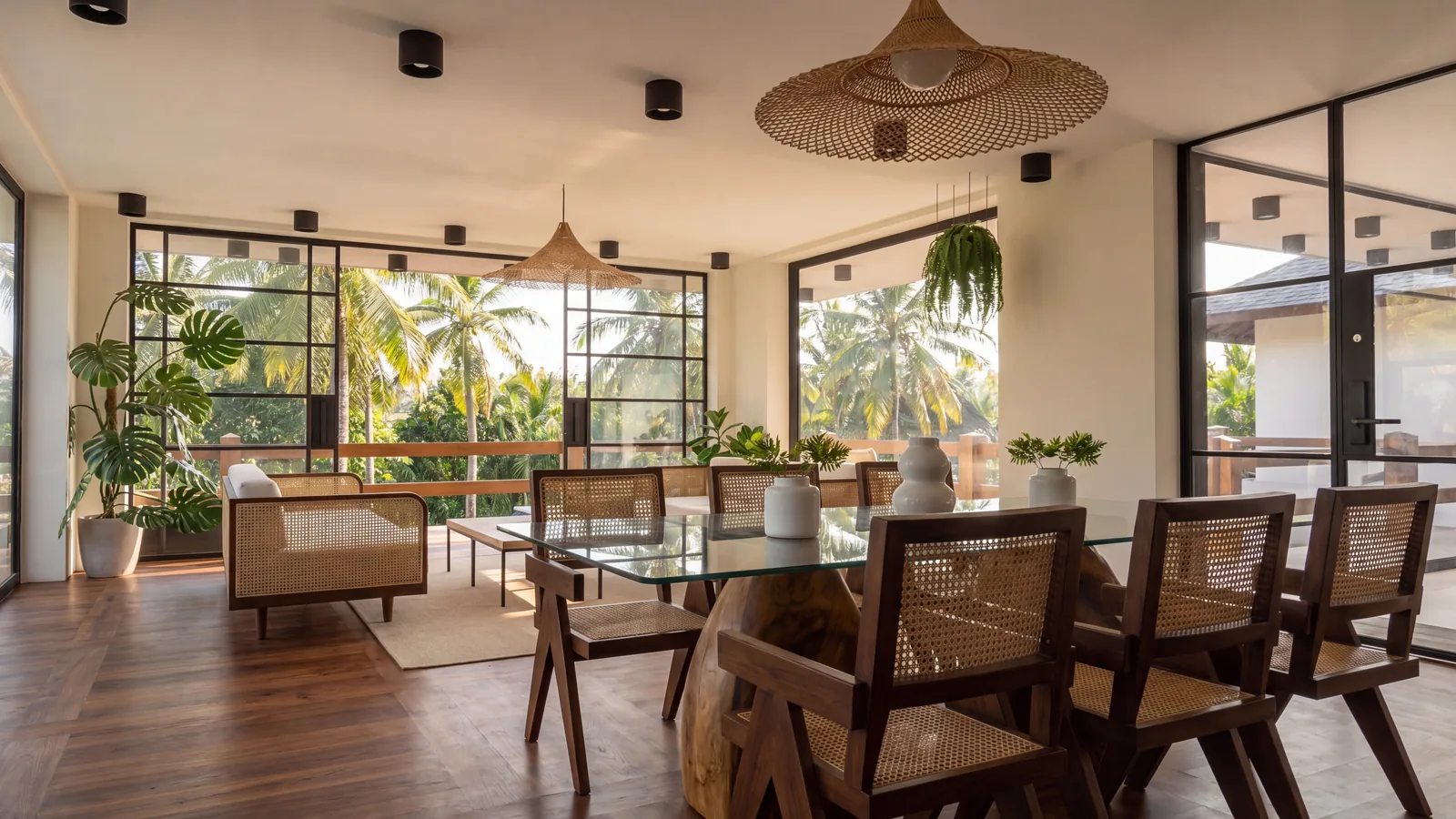
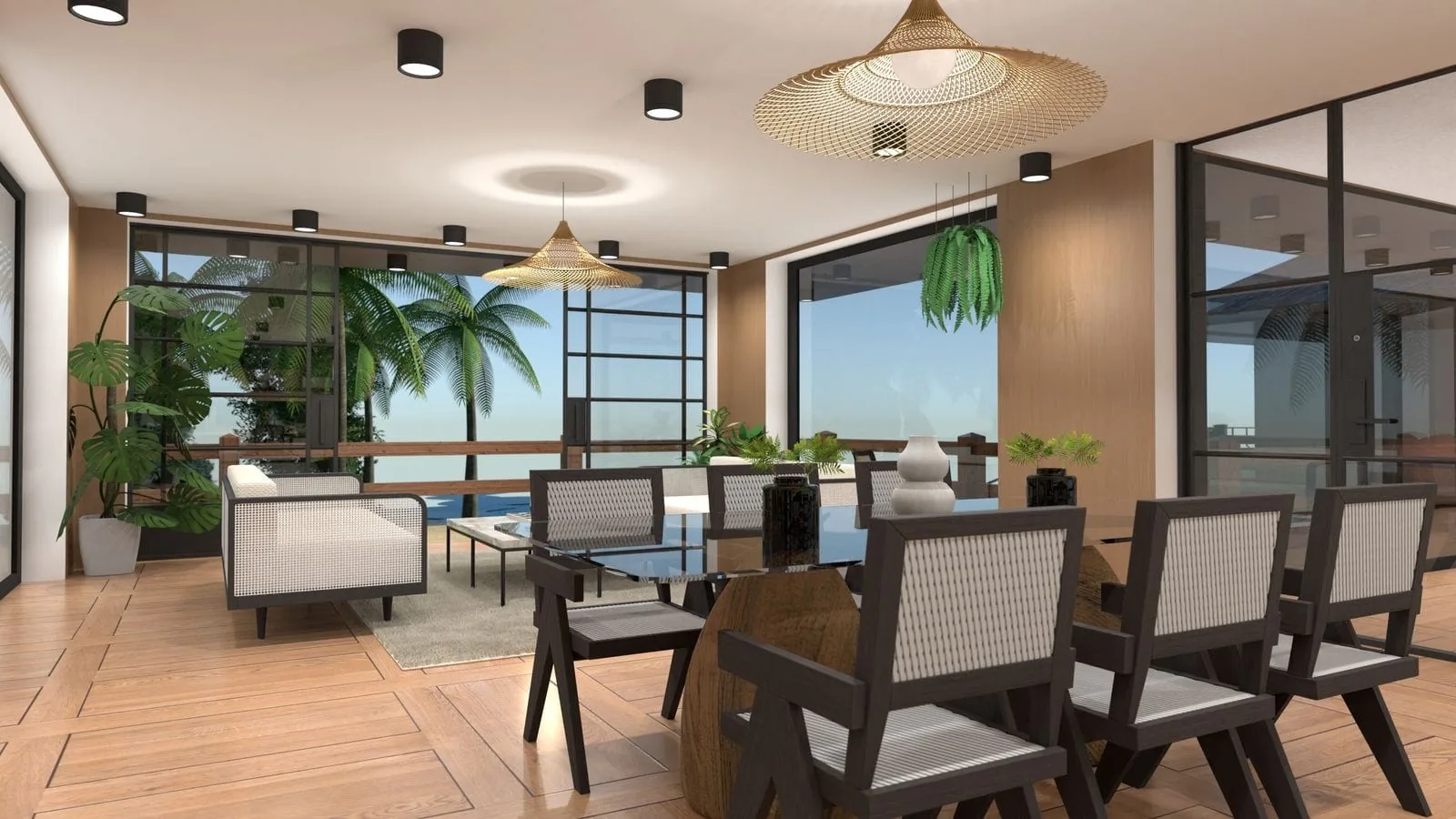
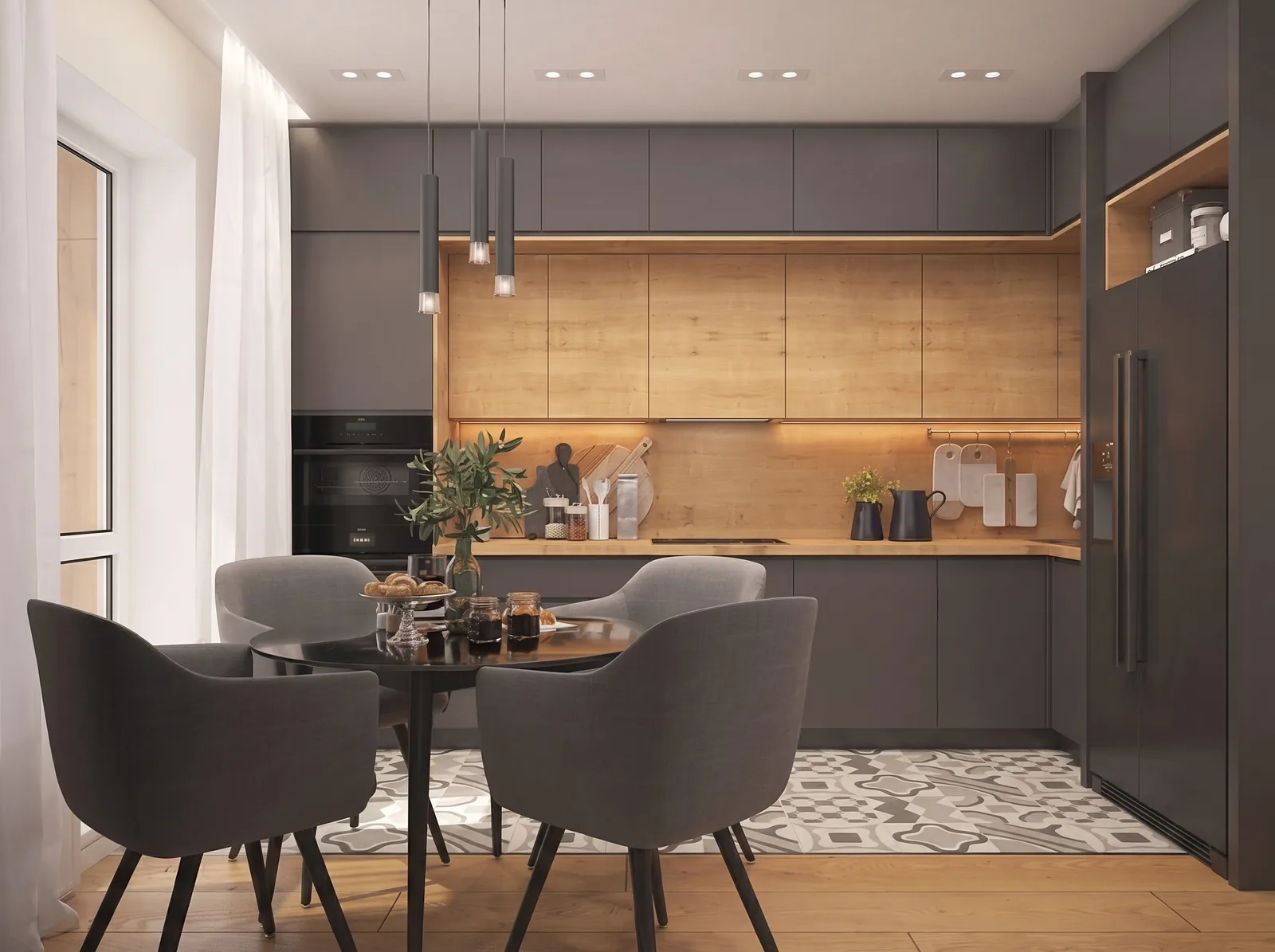
Takes about a minute · Free: up to 2K · Home and above: up to 4K
Image Upscaling · Vizion Upscale
Raise the resolution — and see the small details.
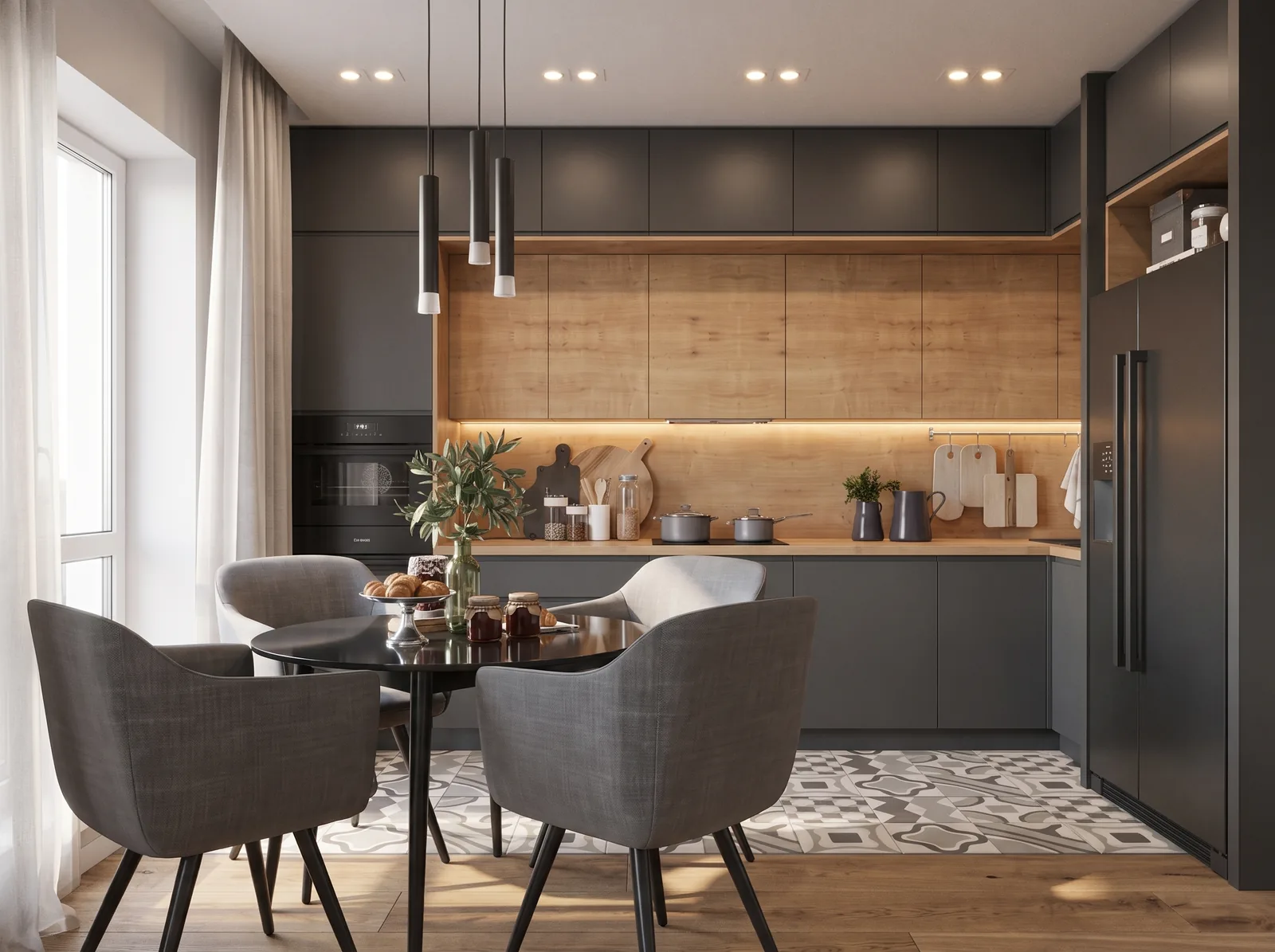
Bring a compressed export, a low-res render or an old photo. Vizion Upscale doesn't just make it bigger — it brings back the micro-detail: the weave of the fabric, the grain of the wood, the crust on the bread, the reflection on a glass jar. Drag the two views below and look closely — at 8K everything holds up no matter how far you zoom in, ready to print or show on a big screen.
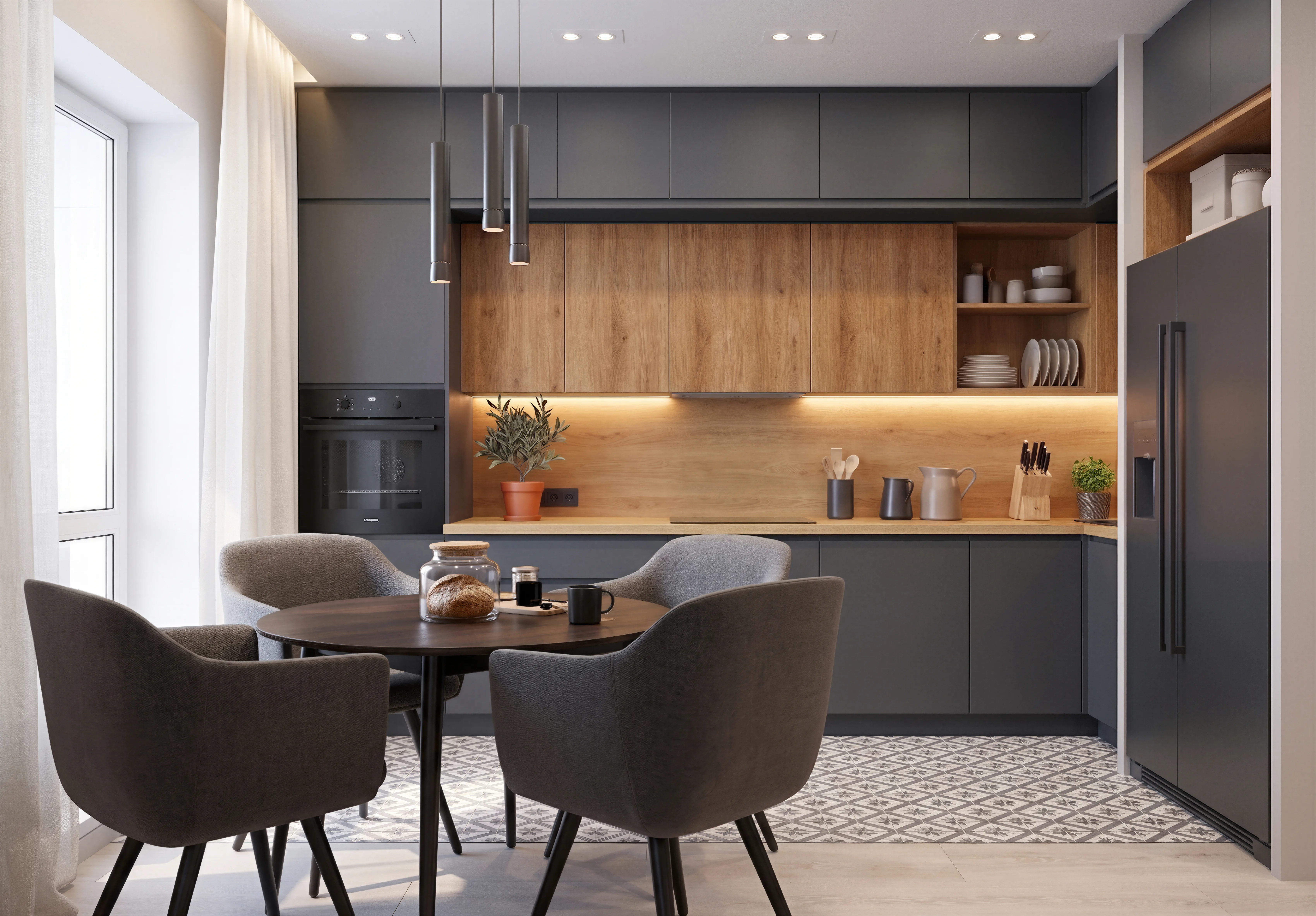 8K · Upscaled
 Original
Drag either image to explore the micro-detail — both views move together
Upload your image
Any resolution, any aspect ratio — landscape or vertical, photo or render.
Pick your target — up to 8K
From 20 to 40 credits depending on the resolution — your call, per image.
Download in full resolution
Zoom right in and the small stuff is really there — ready to print or present.
From 20 to 40 credits · up to 8K · More on the upscaler
FAQ
Questions, answered.
Do I have to buy through Vizion?
No. Every product links directly to the retailer — West Elm, CB2, Restoration Hardware, Pottery Barn, Crate & Barrel — where you check out as usual. We never mark up prices and never take a cut on your purchase.
What if I don't like the result?
Tell Vizion Studio what to change. Talking is free and you only spend credits on changes you approve — swap a piece, the floor or the wall color without starting over. Or open Vizion Edit to remove, replace, restyle or add any piece yourself, at 10 credits per generation.
Will the products actually fit my room?
Our AI reads your room's dimensions, ceiling height, natural light direction and existing architecture from the photo, then curates products sized to your space. Every render is generated on your actual room geometry — not a stock template.
Are these real products or AI-generated?
Real. Every item Vizion Studio puts in your room is a verified, in-stock product from a U.S. retailer, with the live price and a direct shopping link. We don't recommend anything you can't actually buy.
How long does a full redesign take?
It comes back quickly. You talk it through first for free, and nothing is generated until you approve it.
How is Render Upgrade different from Vizion Studio?
The Design flow takes a photo of your real room and redesigns it from scratch with real products. Render Upgrade takes an existing draft render (3ds Max, SketchUp, Blender) and re-lights, re-textures and finishes it to photorealistic — for architects, decorators and 3D artists who already have a layout.
Is my photo private?
Yes. Your photo is used only to generate your design and is never used to train our models or shared with third parties. You can delete any project from your account at any time.
Pricing
Simple, transparent plans.
Five AI agents. Start free, scale when you're ready.
⚡Start free — 40 credits, no card
Try Vizion Studio, Stage and Render Upgrade on your own room. Talking to Vizion Studio is free.
Starter
For a single project, without the big commitment.
- ⚡250 credits / month
- 🎨Vizion Studio, Stage, Render Upgrade, Upscale & Floorplan — all included
- Architect 3D model library
- Real, shoppable products in Vizion Studio
- Projects — save & compare
- No watermark
- Priority processing
- Client-share & branding
Home
For one or two rooms, start to finish.
- ⚡600 credits / month
- 🎨Vizion Studio, Stage, Render Upgrade, Upscale & Floorplan — all included
- Architect 3D model library
- Real, shoppable products in Vizion Studio
- Projects — save & compare
- No watermark
- Priority processing
- Client-share & branding
Studio
For decorators & designers on the daily.
- ⚡2,000 credits / month
- 🎨Vizion Studio, Stage, Render Upgrade, Upscale & Floorplan — all included
- Architect 3D model library
- Real, shoppable products in Vizion Studio
- Projects — save & compare
- No watermark
- Priority processing
- Client-share & branding
Pro
For studios, stagers & architects.
- ⚡4,500 credits / month
- 🎨Vizion Studio, Stage, Render Upgrade, Upscale & Floorplan — all included
- Architect 3D model library
- Real, shoppable products in Vizion Studio
- Projects — save & compare
- No watermark
- Priority processing
- Client-share & branding
Vizion Stage 10 · Vizion Studio 10 per approved change, 20 for a full redesign · Vizion Edit 10 per generation · Render Upgrade 20 · Floorplan 20 per render · Upscale 20 (4K) / 30 (6K) / 40 (8K). Talking to Vizion Studio is free. Spend credits on any tool you like. They reset monthly; the Free credits don’t renew.