
Object Editing · Vizion Studio
Say what to change.
Keep every pixel of the rest.
Tell the assistant which piece is wrong and what should be there instead. It replaces, removes or adds the object in your finished photo or render — and hands it back at the same full resolution you started with. Edit after edit, it never softens.
4 credits included · 1 credit a piece · no credit card
You are talking to it, not operating it
You describe the change the way you would say it out loud. Anything it picks from the catalogue arrives with its real price and the shop it comes from, and nothing is redrawn until you approve it.
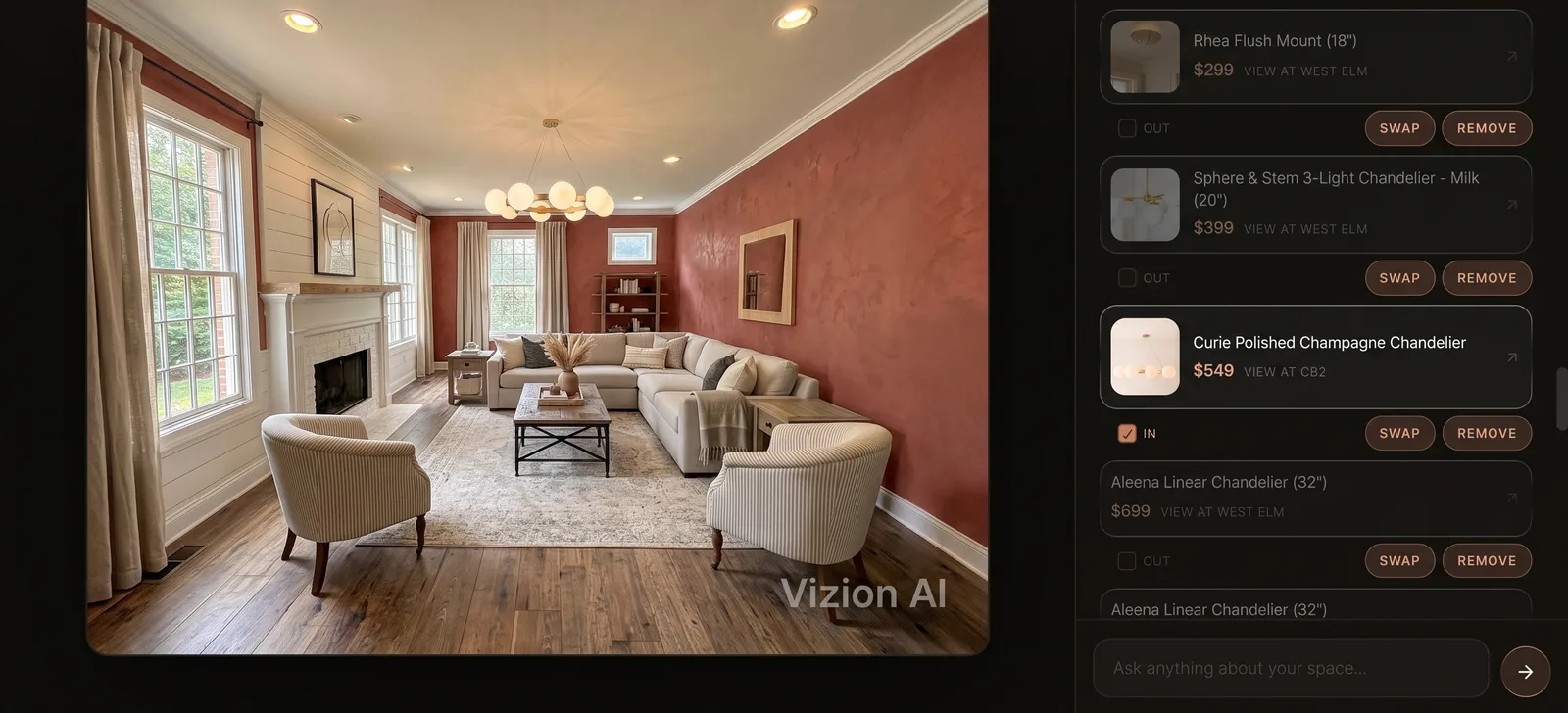
The whole point is what didn't change
A piece swapped out for a different one. Look at the floor, the walls and the light — and then at the detail crop underneath, which is where most editing tools give themselves away.
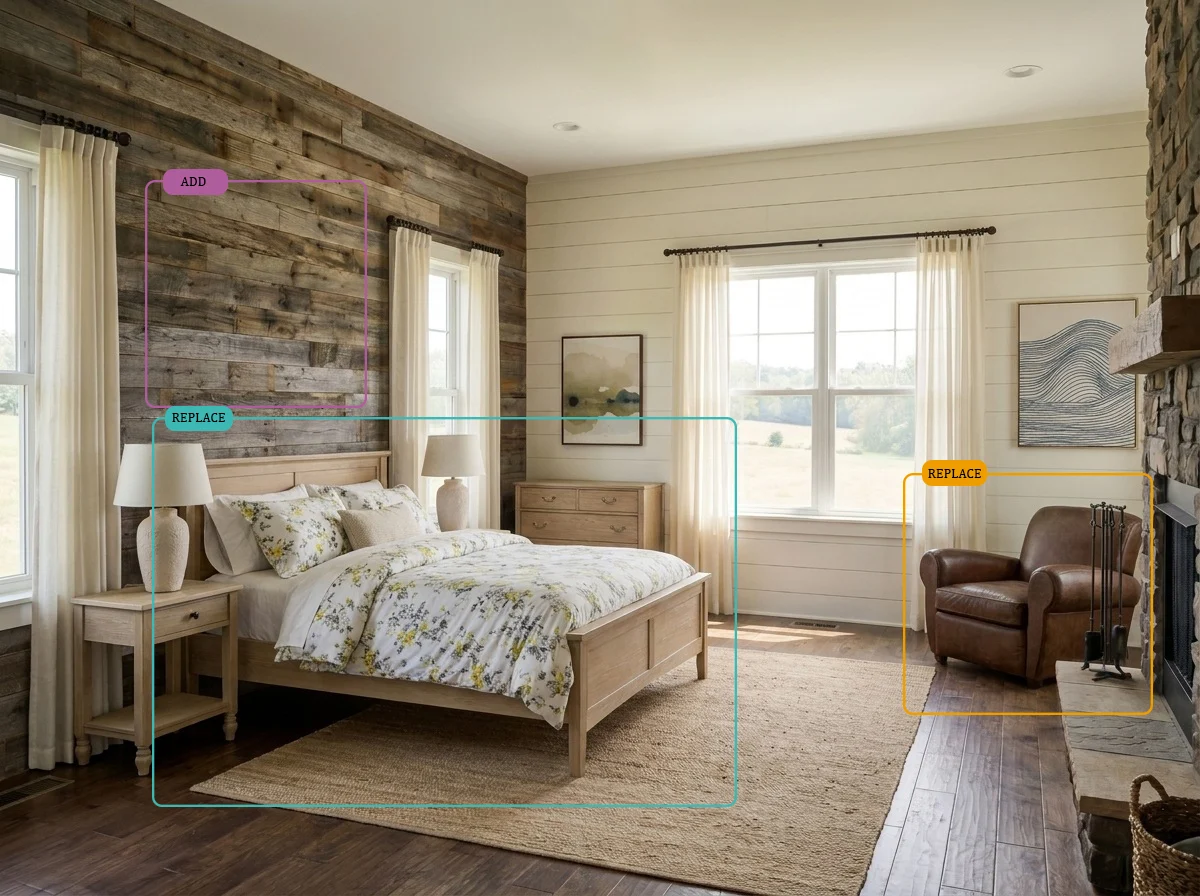
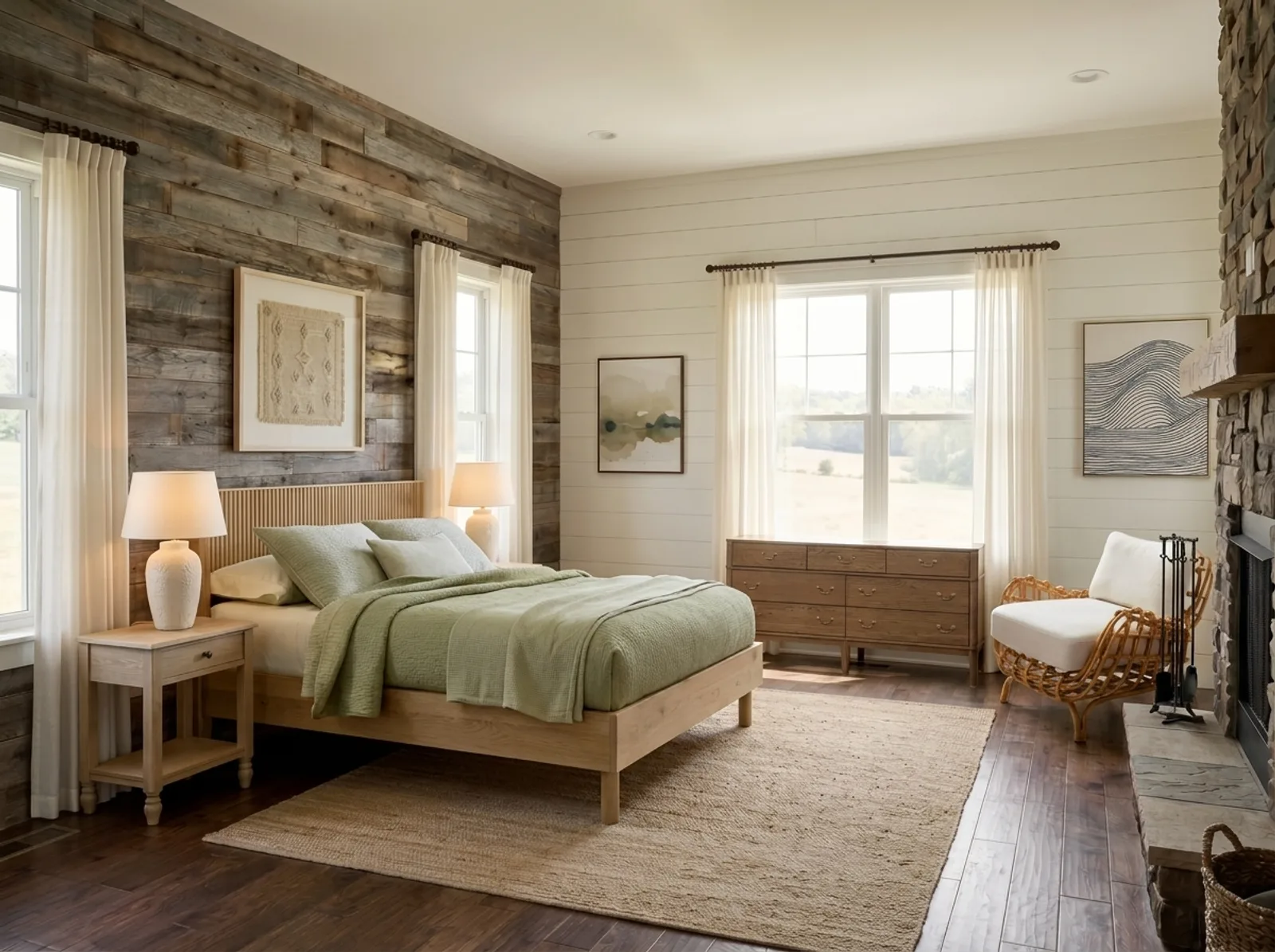
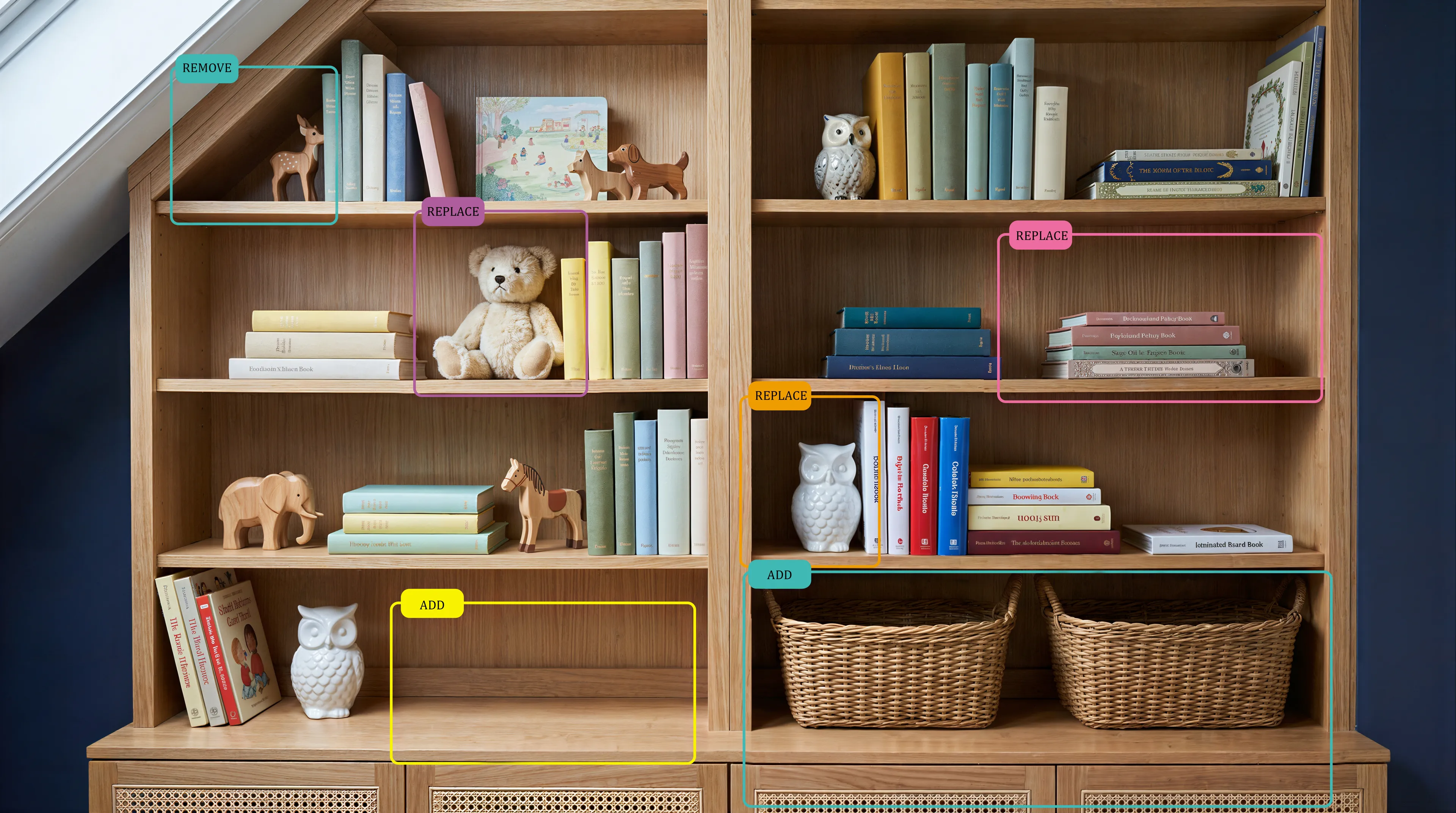
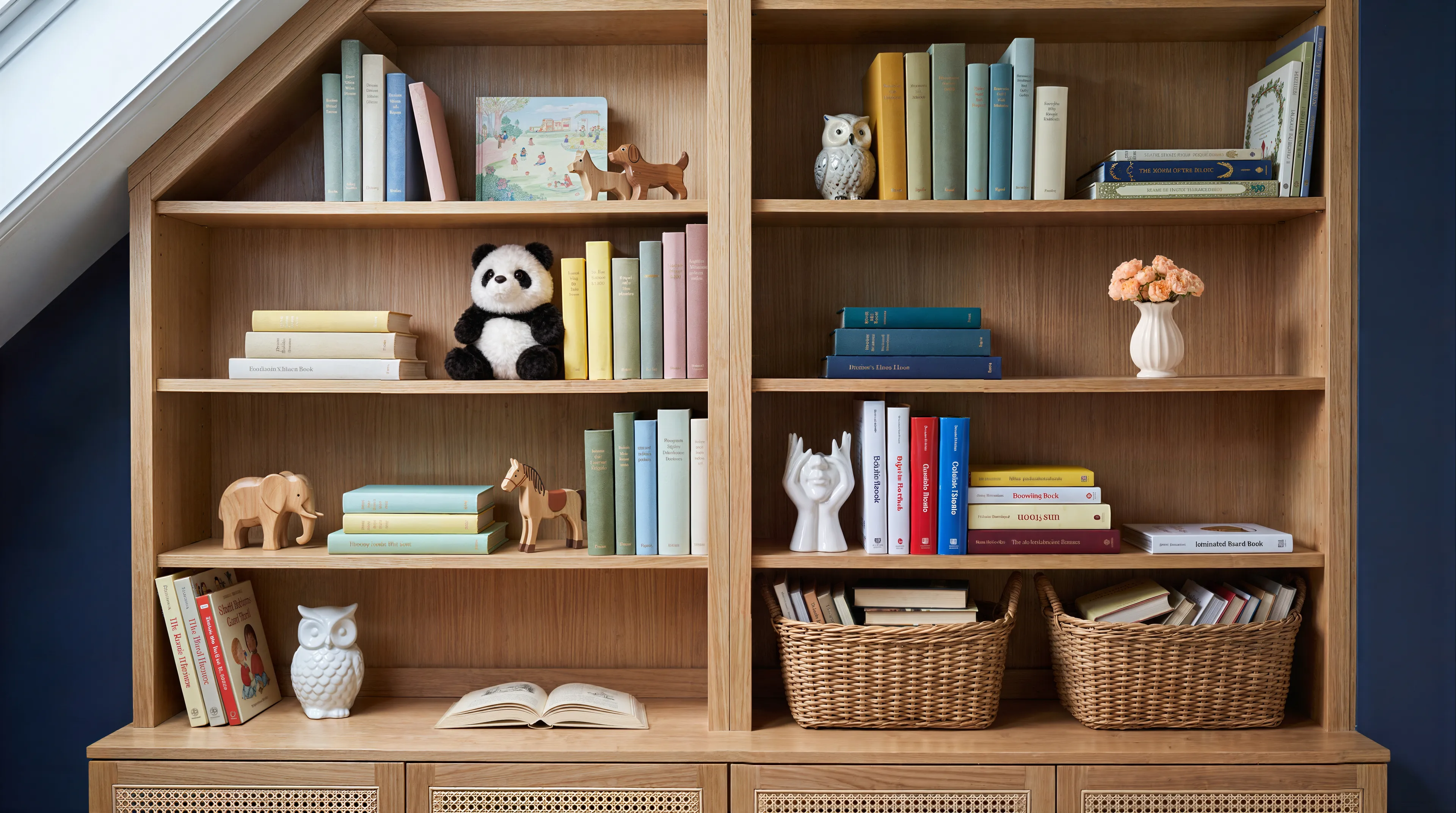
Most tools hand you back a downscaled image after an edit, and it compounds every time you run another one. Here the file you get is the size of the file you gave.
How it works
Three steps, and none of them involve redoing the image.
Upload the image you already have
A photo or a render, at whatever resolution you saved it. It goes in exactly as it is.
Tell it which piece is wrong
The sofa, the lamp, the painting. Say it in plain words. Several pieces in one pass if you want — each one costs 1 credit.
Say what should be there instead
Upload a photo of a specific product, or just describe it in words. You can also simply remove the piece and leave the space empty.
When people reach for it
The design is right, one piece isn't
The room works but the sofa colour is off. Changing that one thing shouldn't mean regenerating a whole image you already like.
Comparing options for a client
Three different chairs in the same room, same angle and light, so the only variable is the piece being decided on.
Clearing the frame
Removing a piece that clutters the shot, or one that's already been sold, on a photo that has to stay print-quality.
What it costs
Priced per piece changed, not per image — so a small fix stays a small cost.
4 credits, no credit card. Four pieces edited before you pay anything.
40 credits a month, no watermark. See all plans →
Questions
Will the image lose resolution when I edit it?
No. You get it back at the same full resolution you uploaded, and it stays that way no matter how many edits you make.
Can I remove an object instead of replacing it?
Yes. Replace it with something different, add something that wasn't there, or remove it entirely.
Do I need a photo of the replacement product?
No. Upload one if you have a specific product in mind, or just describe what you want in plain text.
Does it work on renders as well as photos?
Yes. Photographs and renders from any 3D software both work, because you upload an image rather than a scene file.
Can I change more than one thing at a time?
Yes, several pieces in a single pass. Each piece costs 1 credit.
What happens to my images?
They're used only to produce your result. They are never used to train models and never shared with third parties, and you can delete any project from your account at any time. Full detail in the privacy policy.
Try it on an image you actually care about
The free credits cover four pieces — enough to check the resolution claim on your own file instead of ours.
Start free4 credits · no credit card